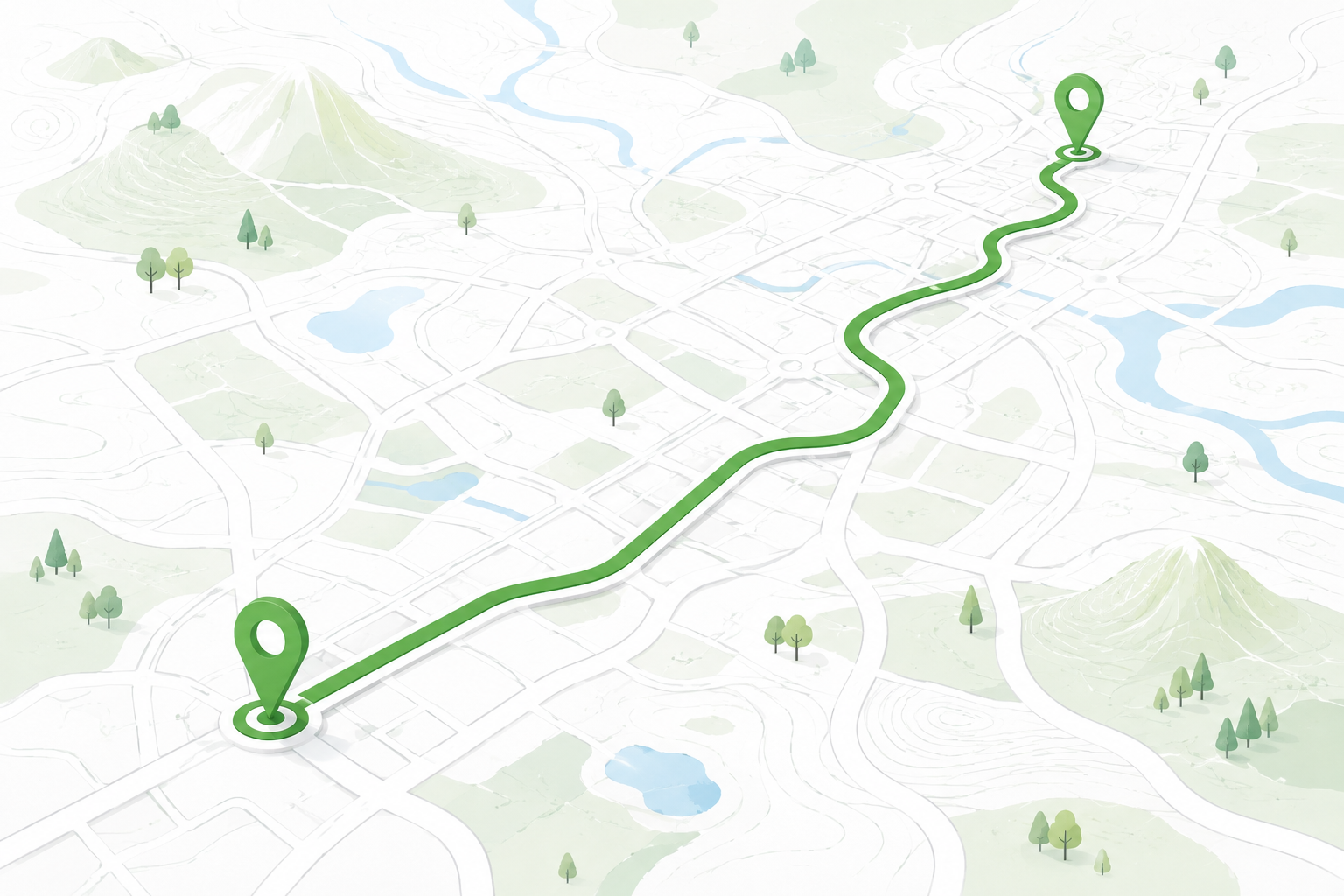
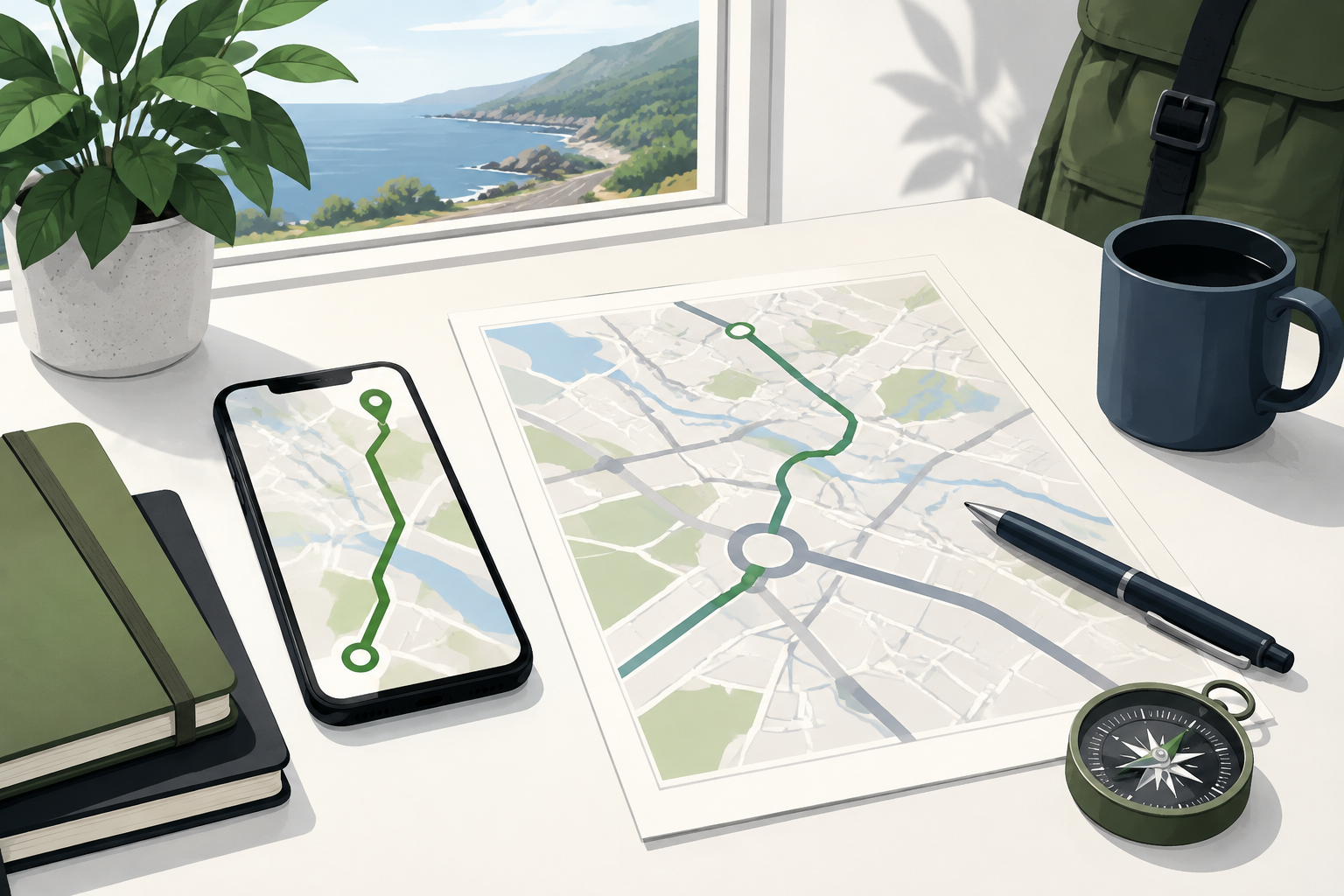
What MapQuest Directions are designed to provide
At its simplest, MapQuest Directions turns an origin and a destination into a route you can inspect. The current directions page presents driving, walking, and biking choices, along with a step-by-step view once places have been entered. That makes it useful for everyday errands, unfamiliar appointments, and early road-trip planning. It is best understood as a planning aid: it organizes road information and gives you a way to compare possibilities, while real conditions, signs, closures, and access rules still determine what happens on the road.
Enter places precisely enough to avoid the wrong result
A broad place name can point to a city, a neighborhood, a chain business, or several places with the same name. Enter a full street address whenever you can, then check the suggested result before accepting it. Include the city, state, ZIP code, building name, or entrance when those details matter. For a campus, hospital, airport, park, shopping center, or large venue, the street address may lead to a general property rather than the door you need. A route can be technically correct and still leave you at an inconvenient entrance if the destination is not specific.
Compare the route instead of accepting the first line
The fastest-looking choice is not automatically the easiest drive. Read the estimated time alongside distance, major road changes, toll roads, highways, bridges, and the number of complicated turns. A route that is a few minutes longer may be more comfortable if it avoids an unfamiliar interchange or arrives on the correct side of a divided road. If route settings are available, use them to reflect the trip you actually want, then check whether the change creates a longer or more isolated stretch. The goal is a route you understand, not merely the smallest number on the screen.
Read the turn list as a mental preview
Before leaving, scan the first transition from your starting point, the largest highway or road changes, and the final few turns. Those sections are where a familiar street name can become confusing, or where a map pin may not show a driveway or drop-off area. Notice whether the route crosses a bridge, enters a one-way downtown grid, or depends on a particular exit. Reading the sequence while parked gives you a useful mental picture and makes it easier to notice when a road sign or restriction does not match the screen.
Use traffic and arrival information with judgment
The current MapQuest directions experience can show traffic and road-condition context, but any live information has a time boundary. A delay may grow after the route is calculated, and a closure may not be represented immediately. Check official local or transportation-agency notices for major weather, construction, wildfire, flood, or event conditions. If the route suggests a turn that is closed or unsafe, follow the sign and stop in a safe place before choosing another path. Navigation should support attention, not compete with it.
Choose the format that fits the journey
For a quick local drive, the web route may be enough. For a longer trip, save the destination address, note planned stops, and consider a printed or offline reference when coverage may be uncertain. The MapQuest app provides a mobile option with live traffic and route features, while a desktop browser is often better for inspecting the entire route at once. Whatever format you use, set it up before moving, keep the phone mounted where it does not block your view, and let posted signs and safe driving decisions take priority over a rerouting prompt.
Create a small departure routine
A repeatable check makes directions easier to trust. Confirm the date and destination, look at the first and last turns, check the route’s major road changes, and make sure the device is charged or the paper reference is ready. If someone else is driving, explain the route and arrival plan before the vehicle moves. For a trip affected by weather, construction, an event, or a ferry, add a current notice from the responsible authority. A few quiet minutes before departure are more useful than trying to solve every uncertainty after the car is already moving.
Common questions
MapQuest Directions FAQ
How do I get MapQuest Directions for a trip?
Open the MapQuest directions page, enter a specific starting point and destination, select the matching results, compare the route choices, and review the turn sequence before you leave.
Can MapQuest Directions avoid toll roads or highways?
Available route settings can vary by page and device. If an avoid option is shown, select it and then confirm that the resulting route still fits your vehicle, timing, and road conditions.
Are MapQuest route times guaranteed?
No. Travel times are estimates that can change with traffic, weather, closures, stops, and local restrictions. Check current notices and follow signs when they differ from a route suggestion.
Further reading
Official references for this guide
This independent article was written from general route-planning practice and the current references below. Product controls, coverage, and data can change, so confirm details on the live service before a time-sensitive trip.
Good MapQuest Directions planning is a short conversation between the map and your judgment: enter exact places, compare the choices, preview the difficult turns, and leave room for conditions the route cannot predict.