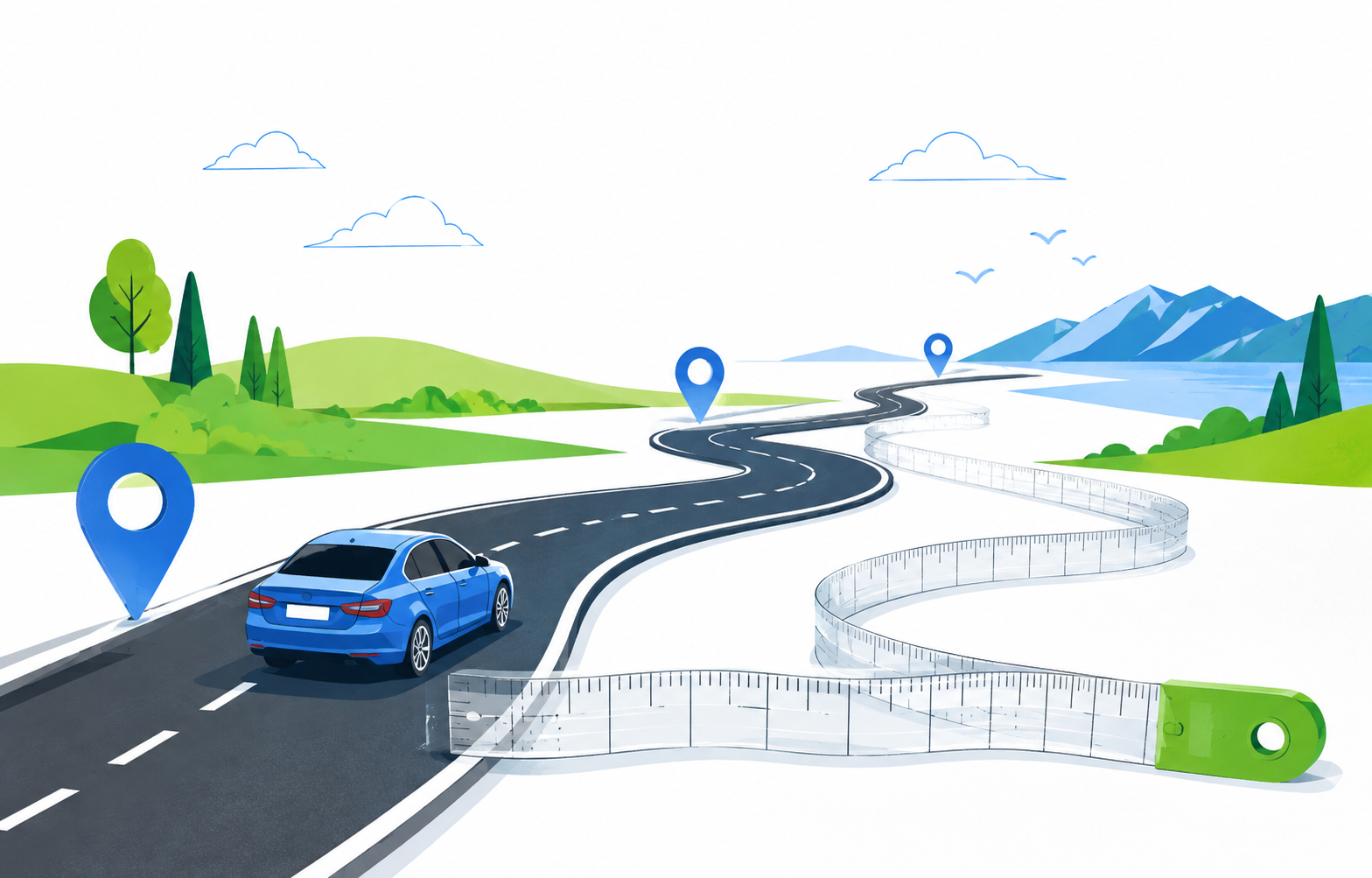
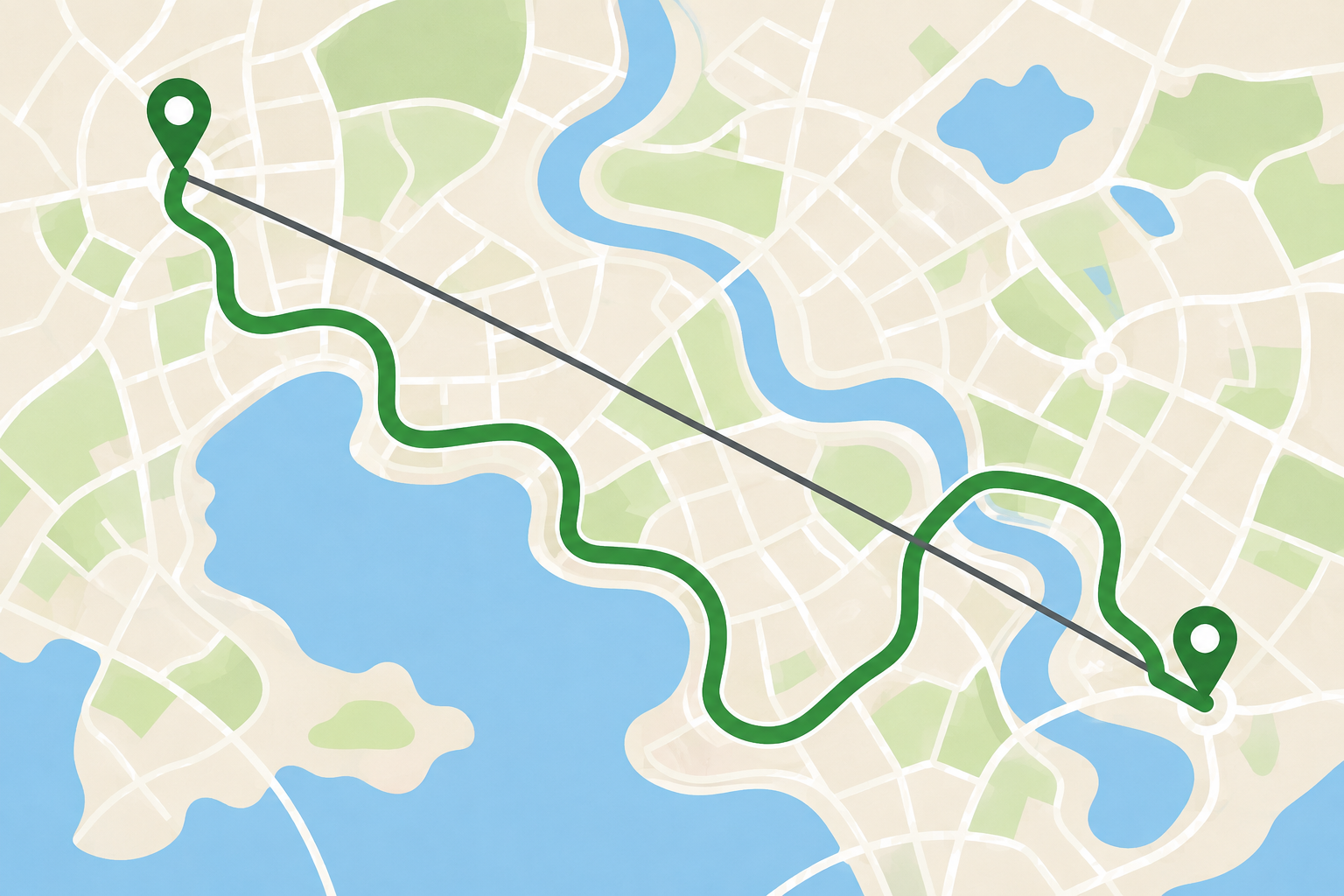
Road mileage is different from straight-line distance
Two places may look close on a map while being separated by a river, highway barrier, private land, a mountain, or a one-way street system. A mileage calculator that follows roads must account for those connections. Straight-line distance can be useful for a broad geographic comparison, but it does not tell a driver how far the odometer may move. When you need a travel estimate, use a route between a specific origin and destination and note which route options were selected.
Use exact origins and destinations
A city center, ZIP code, business name, and street address can all produce different mileage. For a work visit or appointment, enter the actual starting address and the correct building entrance when available. Check the recognized location before accepting it, especially for chain businesses, airports, campuses, and addresses with similar street names. If you start from a general place such as a hotel, use the property address rather than the city label. Precision at both ends prevents a neat-looking number from describing the wrong trip.
Include every leg of the route you intend to drive
Decide whether you need one-way mileage, round-trip mileage, or the total for a multi-stop day. A map route from home to an appointment does not include the drive back, a lunch stop, a hotel, or the extra miles spent finding parking. Add the actual stops in their likely order and recalculate the complete route. If an itinerary is flexible, compare the mileage for different sequences rather than assuming the order will not matter. The number should describe the travel you expect to perform, not only the first search you typed.
Use route settings as part of the mileage record
Avoiding tolls, highways, ferries, or certain roads can change distance as well as travel time. If the mileage is being used for a budget, reimbursement estimate, or trip comparison, note the settings and route date with the result. A shortest-distance route may not be the same as the route you ultimately drive. Save the origin, destination, and selected option so another person can reproduce the estimate. This small record makes the number more trustworthy than a screenshot without context.
Do not confuse an estimate with an odometer reading
Mapped mileage is a planning value. It may differ from the vehicle’s odometer because of driveway access, parking lots, detours, missed turns, construction, and the exact entrance used. For tax or employer reimbursement, follow the current policy or official rate guidance that applies to the work. MapQuest has published help about an IRS reimbursement-rate calculator, but rates and rules can change, so confirm current requirements with the IRS, an employer, or a qualified adviser. Keep receipts and required logs when documentation matters.
Round sensibly and keep the assumptions visible
Mileage with several decimal places can look precise without being more accurate. Round only after the route and all stops are set, and use a consistent method for every trip you compare. If you are estimating fuel or time, a small practical buffer is better than pretending the mapped distance is exact. Recheck the route close to departure when construction, weather, or access changes could affect the path. The best mileage figure is understandable, reproducible, and honest about what it measures.
Keep a mileage record you can explain
For a work trip or shared budget, save the route date, starting point, destination, intermediate stops, and the setting used to calculate it. Note whether the total is one way or round trip and write down any detour that was already known. This context matters when someone compares the estimate with an odometer reading or a reimbursement form. A clean record does not have to be complicated; it only needs to make clear which journey the number describes and which parts remain estimates. Keeping the original address text alongside the total also makes it easier to spot a duplicate stop or a place that was entered under the wrong city.
Common questions
MapQuest Mileage Calculator FAQ
Does a MapQuest mileage calculator show driving miles?
A route-based estimate follows the selected roads, so it is more useful for driving than straight-line distance. Exact mileage depends on the origin, destination, route settings, and stops.
How do I calculate round-trip mileage?
Create the route for the outbound and return travel, or double the one-way figure only when the return path and access are genuinely the same. Add any extra stops separately.
Can mapped mileage be used for reimbursement?
It can help with an estimate, but reimbursement rules vary. Keep the required trip log and confirm the current employer or government policy rather than relying on a map number alone.
Further reading
Official references for this guide
This independent article was written from general route-planning practice and the current references below. Product controls, coverage, and data can change, so confirm details on the live service before a time-sensitive trip.
Use a MapQuest Mileage Calculator as a documented road-distance estimate: enter the exact places, include the complete itinerary, record route choices, and leave room for the miles that real travel adds.