Prepare the route before the vehicle moves
Enter the origin and destination while parked, select the correct place, and compare the available route choices before starting guidance. Check the first turn, the general direction of travel, and the final entrance. If the destination is a large property, save the exact building or parking address rather than a broad business name. Starting with a reviewed route reduces the chance that the navigation system will lead you toward the wrong place while you are already in traffic.
Use voice prompts as one layer of information
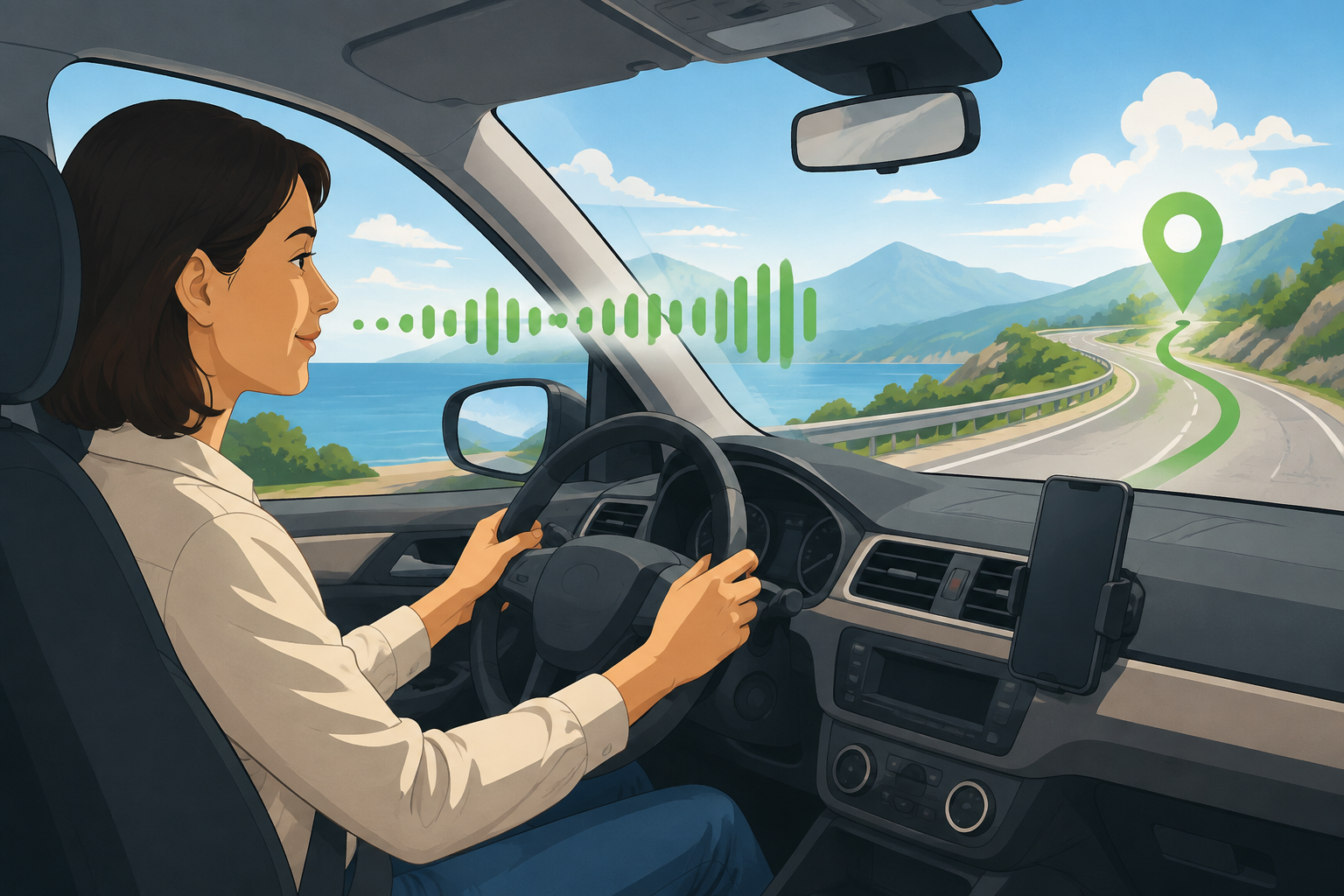
Turn-by-turn guidance can make it easier to keep your eyes up, but a spoken instruction still needs context. Listen for the distance to the next move, the road name, and the lane or exit that matches the sign ahead. If a prompt seems late, unclear, or inconsistent with the road, slow down safely and follow the posted signs. Avoid making a sudden turn just to obey a notification. Missing a turn is usually safer than crossing lanes aggressively; let the route recalculate when it is safe.
Mount the phone and manage permissions deliberately
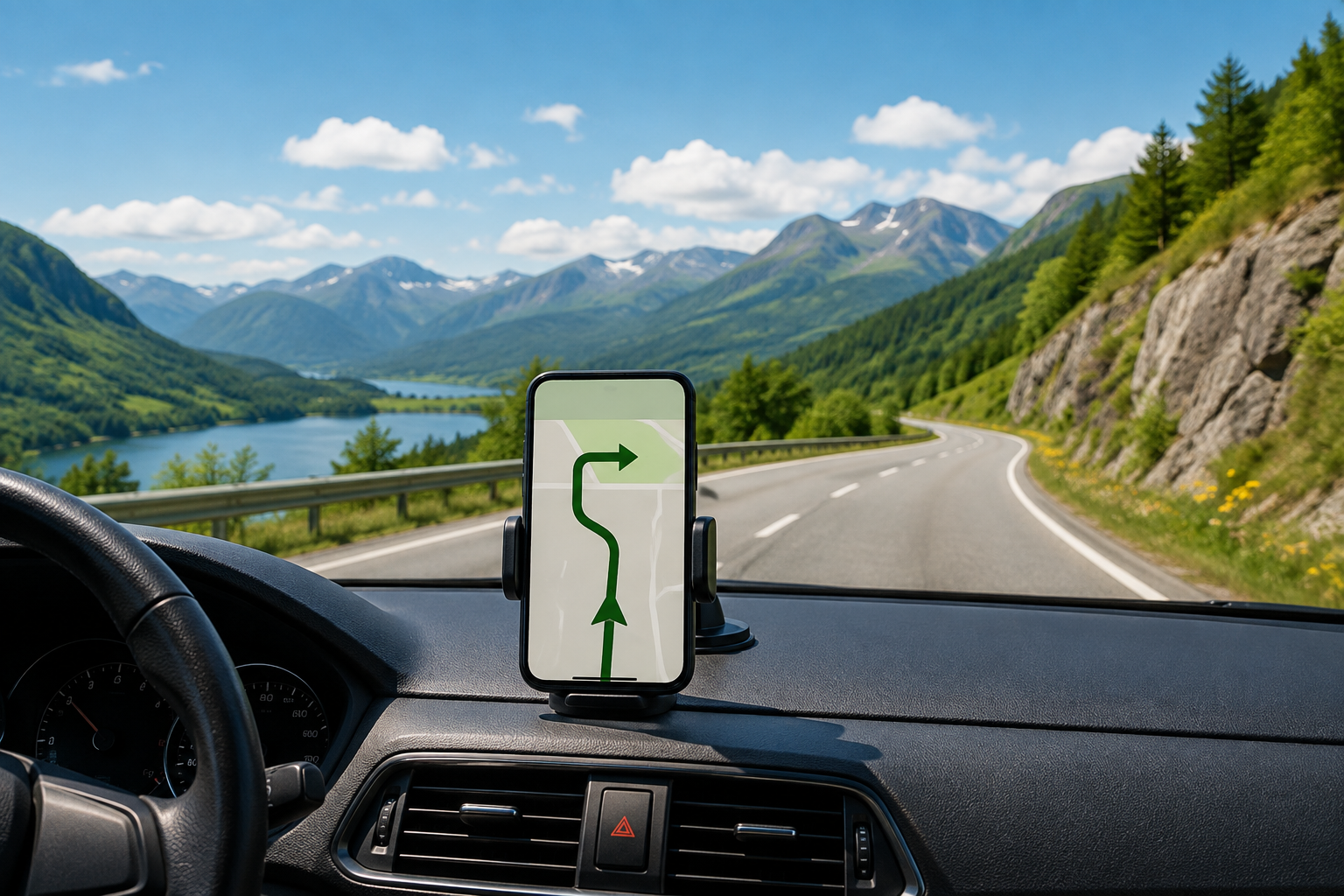
Place the phone where it is visible without blocking the windshield, mirrors, controls, or airbag area. Connect power for longer drives and choose an audio level that does not hide horns, sirens, or other road sounds. Location permission, notifications, Bluetooth, and mobile data settings can affect the experience; review them before departure and understand what you are allowing. If the app cannot obtain a reliable position, pull over before troubleshooting. A navigation problem should never become a reason to handle a phone in moving traffic.
Expect traffic changes and recalculation
The official app materials describe live traffic and traffic-informed routes, but live data is still time-sensitive and not universal. A route can change because of a new incident, a missed turn, or a local restriction. Give yourself time to evaluate a suggested detour, especially if it moves onto smaller roads or adds unfamiliar turns. For severe weather, closures, or emergency conditions, check official local notices. A recalculated route is a proposal; the driver remains responsible for choosing a legal and safe road.
Plan for battery, signal, and attention limits
Navigation uses the phone’s screen, processor, location services, and often mobile data, so battery and signal matter. Start with a charged device, bring a suitable cable, and keep the destination address available separately for a weak-service area. Do not assume that a route will remain fully usable without connectivity unless the current app explicitly supports the offline behavior you need. On a long drive, let a passenger handle changes when possible and stop before changing destinations, settings, or audio controls yourself.
Finish the trip with the actual arrival point
A navigation system may announce that you have arrived near a pin while you are still at the wrong driveway, building, or side of a campus. Slow down for the final approach and compare the surroundings with the destination details. If you are meeting someone or delivering something, confirm the entrance before moving into a private lane or loading area. Once parked, end the route and check that the app is no longer directing you through an unsafe or restricted area. Good navigation ends with a clear arrival, not merely a spoken sentence.
Create a passenger-friendly plan
A passenger can make turn-by-turn navigation calmer by watching the route overview, listening for road names, and handling changes while the driver stays focused. Agree on a simple phrase for when the next turn is unclear and identify a safe place to stop. If you travel alone, set the destination, volume, and display before departure and avoid searching for new places while moving. The purpose of voice guidance is to reduce unnecessary screen handling. It works best when everyone in the car understands that safety outranks recovering a missed prompt.
Common questions
MapQuest Turn By Navigation FAQ
Does MapQuest offer turn-by-turn navigation?
MapQuest’s official app materials describe navigation, live traffic, and smart routes on iOS and Android. Feature names and availability can change, so confirm the current app listing before relying on a specific control.
Can I use MapQuest voice directions without an account?
The official app page says no account is required for its basic directions experience. Device permissions, connectivity, and current app behavior still affect how voice guidance works.
What should I do if MapQuest gives a wrong turn?
Continue to a safe legal place, follow posted signs, and let the route recalculate when you are no longer handling the phone while moving. Do not make a sudden maneuver to recover a missed turn.
Further reading
Official references for this guide
This independent article was written from general route-planning practice and the current references below. Product controls, coverage, and data can change, so confirm details on the live service before a time-sensitive trip.
MapQuest turn-by-turn navigation works best when it is prepared before departure, mounted safely, checked against signs, and used as assistance for an attentive driver.