
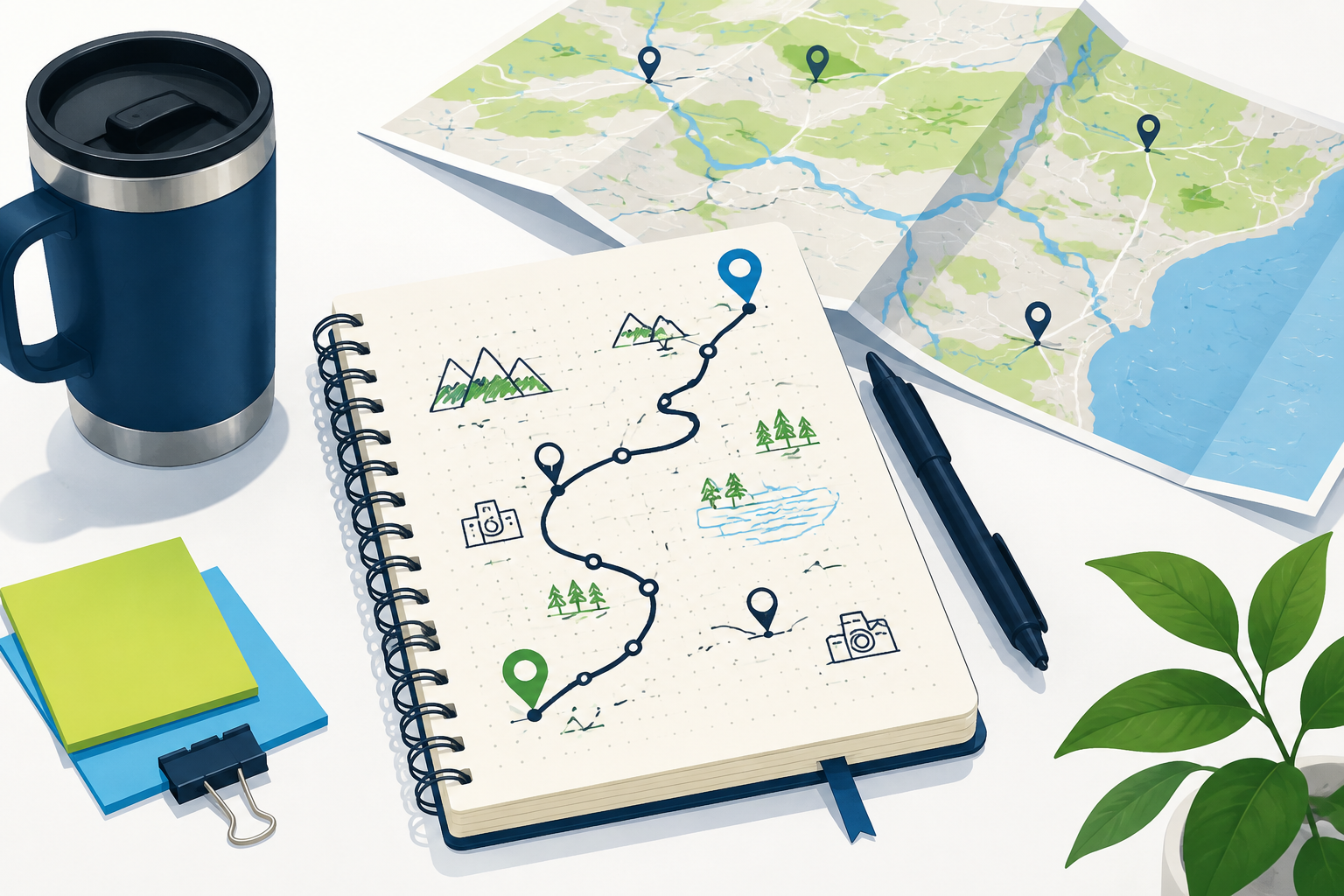
Start with the shape of the trip
Before entering locations, decide whether the journey is point-to-point, a loop, or a base-and-return trip. That choice changes the stops that belong together and the amount of backtracking you will accept. Group destinations by geography and by the day you can realistically reach them. A route tool is good at showing connections; you are responsible for deciding whether the overall shape is enjoyable, affordable, and compatible with the travelers, vehicle, and reservations involved.
Add stops that serve the itinerary
Enter exact addresses for overnight stays, attractions, planned meals, fuel stops, trailheads, and appointments. Avoid adding every interesting place you discover; too many stops can turn a flexible trip into a schedule that fails at the first delay. The current Route Planner page advertises up to 26 locations, but a technical capacity is not a recommendation to fill every slot. Name the stop in your notes by its purpose and check that the map recognizes the correct property, town, and state.
Put fixed commitments before optimization
A reservation, check-in time, timed admission, or return flight is not a flexible stop. Place those commitments in the order they require, then use a planner to compare the open portions of the day. An automatic reordering option can reduce backtracking, but it cannot know that a museum closes early or that a campground gate stops admitting vehicles at a particular hour. Confirm schedules independently and leave a buffer for parking, queues, meals, and the time it takes to get out of a large property.
Plan driving time separately from experience time
Route estimates describe movement between points. They do not include a photo stop, a long lunch, a walk from the parking lot, a child’s break, or a conversation with a host. Add those periods to the day before deciding whether the itinerary fits. For a long drive, divide the route at practical rest or fuel locations and check whether services are available when you need them. A plan with fewer daily miles can produce a better trip than one that technically reaches more destinations.
Use maps to anticipate the arrival experience
The final approach can shape the entire visit. Check whether a hotel sits behind a frontage road, an attraction has a separate entrance, or a trailhead uses a road with limited services. Satellite context or a street-level preview may help you recognize the property, but current signs and local instructions still control. Save the exact address and note the parking or drop-off plan so the driver does not have to search while tired or under time pressure.
Keep the itinerary adjustable
Weather, traffic, fatigue, closures, and changed opening hours are normal parts of a road trip. Recheck the route between major legs while parked and be willing to remove a stop. If a scenic road or detour is important, treat it as a preference rather than a promise. Keep a printed or written summary of the next destination, especially in areas where signal may be weak. A trip planner succeeds when it gives the day structure without making the travelers feel trapped by the first draft.
Give each day a clear anchor
A trip plan is easier to adjust when each day has one non-negotiable anchor, such as a lodging check-in, timed entry, or return departure. Place that commitment first, then fit flexible stops around it with a buffer on both sides. If the day starts to run late, remove the least important stop instead of compressing every remaining break. This approach turns a route planner into a decision tool: it shows the cost of adding a place and helps you protect the experience that matters most to the travelers. It also gives everyone a shared reference when plans change, because the group knows which part of the day must remain protected and which stop can move.
Common questions
MapQuest Trip Planner FAQ
Can MapQuest Trip Planner handle a road trip with many stops?
MapQuest’s current Route Planner is designed for multiple locations and advertises up to 26 stops. Use only the stops that fit the day and confirm the live limit before a large itinerary.
Does a trip planner include hotel and attraction time?
Route calculations cover travel between locations. Add check-in, parking, meals, queues, visits, and rest yourself when building the actual itinerary.
Should I let MapQuest reorder every trip stop?
Only when the schedule is flexible. Keep reservations, closing times, pickups, and other commitments fixed, then use reordering to compare the remaining options.
Further reading
Official references for this guide
This independent article was written from general route-planning practice and the current references below. Product controls, coverage, and data can change, so confirm details on the live service before a time-sensitive trip.
A useful MapQuest Trip Planner itinerary balances the map’s efficient connections with human time: fixed commitments, rest, fuel, parking, and enough freedom to change the plan.