Google Maps USA
Google Maps USA is the dominant navigation platform used by American drivers, covering every road, highway, and street across all 50 states. From the iconic Interstate Highway System to quiet rural county roads, Google Maps USA provides comprehensive driving directions with real-time traffic intelligence that helps over 150 million American users reach their destinations efficiently. Whether you are commuting through Los Angeles traffic, navigating New York City streets, or embarking on a classic American road trip across Route 66, Google Maps delivers unmatched navigation accuracy and reliability throughout the United States.
The United States' vast size and diverse geography — from coast-to-coast interstates to mountain passes and desert highways — make Google Maps an essential tool for any American driver.
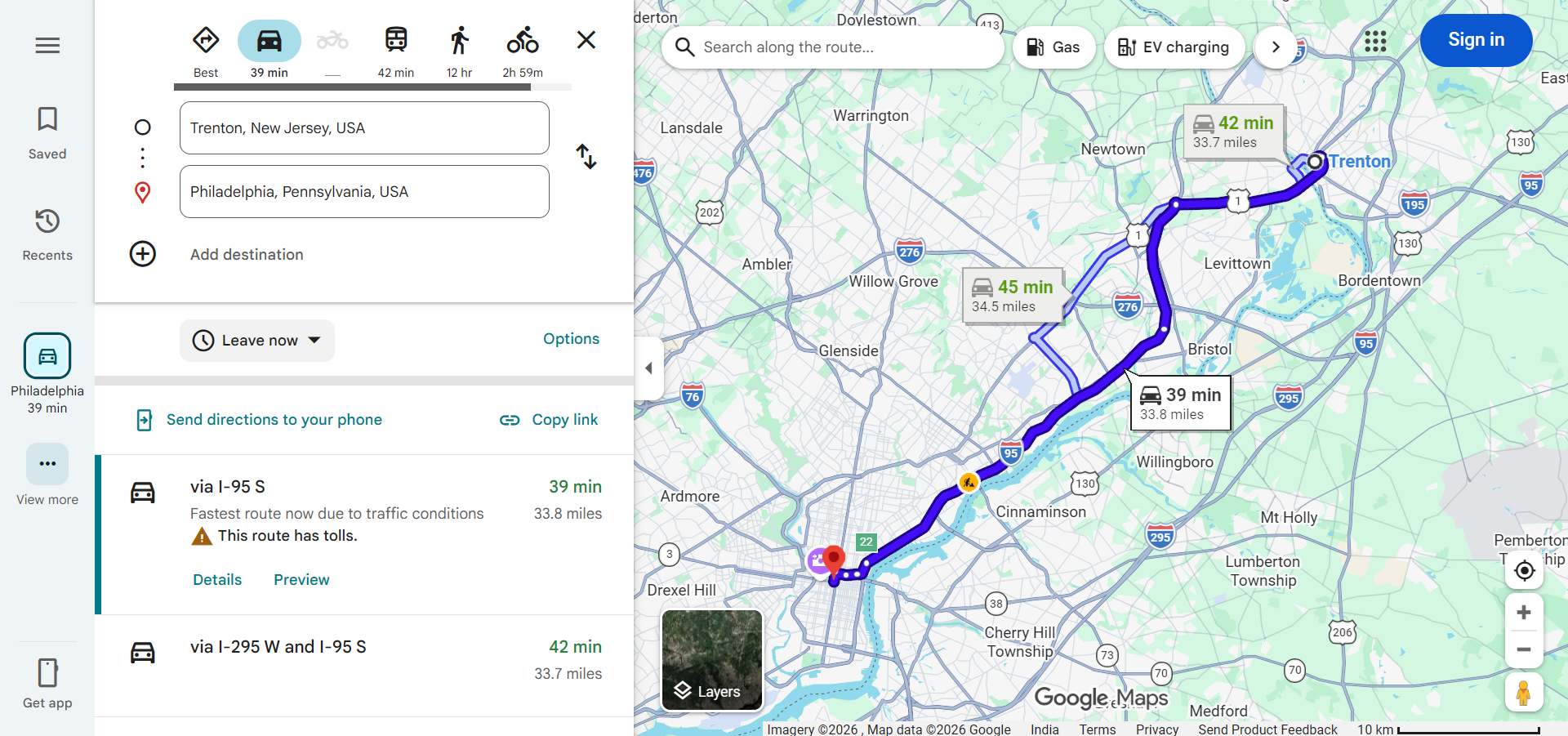
Navigating US Cities with Google Maps
America's major cities each present unique driving challenges that Google Maps helps overcome:
- New York City — Complex grid systems in Manhattan, one-way streets, bridge and tunnel tolls, and notoriously heavy traffic. Google Maps helps navigate alternate routes and identifies the cheapest bridge or tunnel crossings.
- Los Angeles — Famous for its freeway network (101, 405, 110, 10) and legendary traffic jams. Google Maps real-time traffic data is essential for LA commuters, helping identify the best freeway routes and surface street alternatives.
- Chicago — The Kennedy Expressway (I-90/94), Dan Ryan Expressway, and Lake Shore Drive form the backbone of Chicago driving. Google Maps handles the city's grid system and helps navigate around construction zones.
- Houston — America's most extensive highway system with complex interchanges like the I-10/I-45/US-59 interchange. Google Maps provides lane-level guidance for navigating these multi-level highway junctions.
- San Francisco — Steep hills, one-way streets, the Golden Gate Bridge, and Bay Area bridge tolls. Google Maps helps drivers navigate the city's famously challenging terrain and identifies the best bridge crossings.
- Washington D.C. — The capital's spoke-and-wheel street design, traffic circles, and heavy government-area traffic require careful navigation that Google Maps handles effectively.
The US Highway System
Understanding the American highway system helps you interpret Google Maps directions:
- Interstate Highways — The backbone of long-distance US driving. Even-numbered interstates run east-west (I-10, I-40, I-80, I-90) and odd-numbered interstates run north-south (I-5, I-15, I-35, I-75, I-95). Google Maps uses these interstates for most long-distance route calculations.
- US Highways — An older system of national routes (US-1, US-66, US-101) that pass through towns and cities. Google Maps may route you on these when interstates are congested or for shorter distances.
- State Highways — Each state maintains its own network of numbered highways. Google Maps integrates all state highway data into its routing.
- Toll Roads — Many states operate toll roads, turnpikes, and toll bridges. Google Maps identifies toll roads and can route around them if you select "Avoid tolls" in route options.
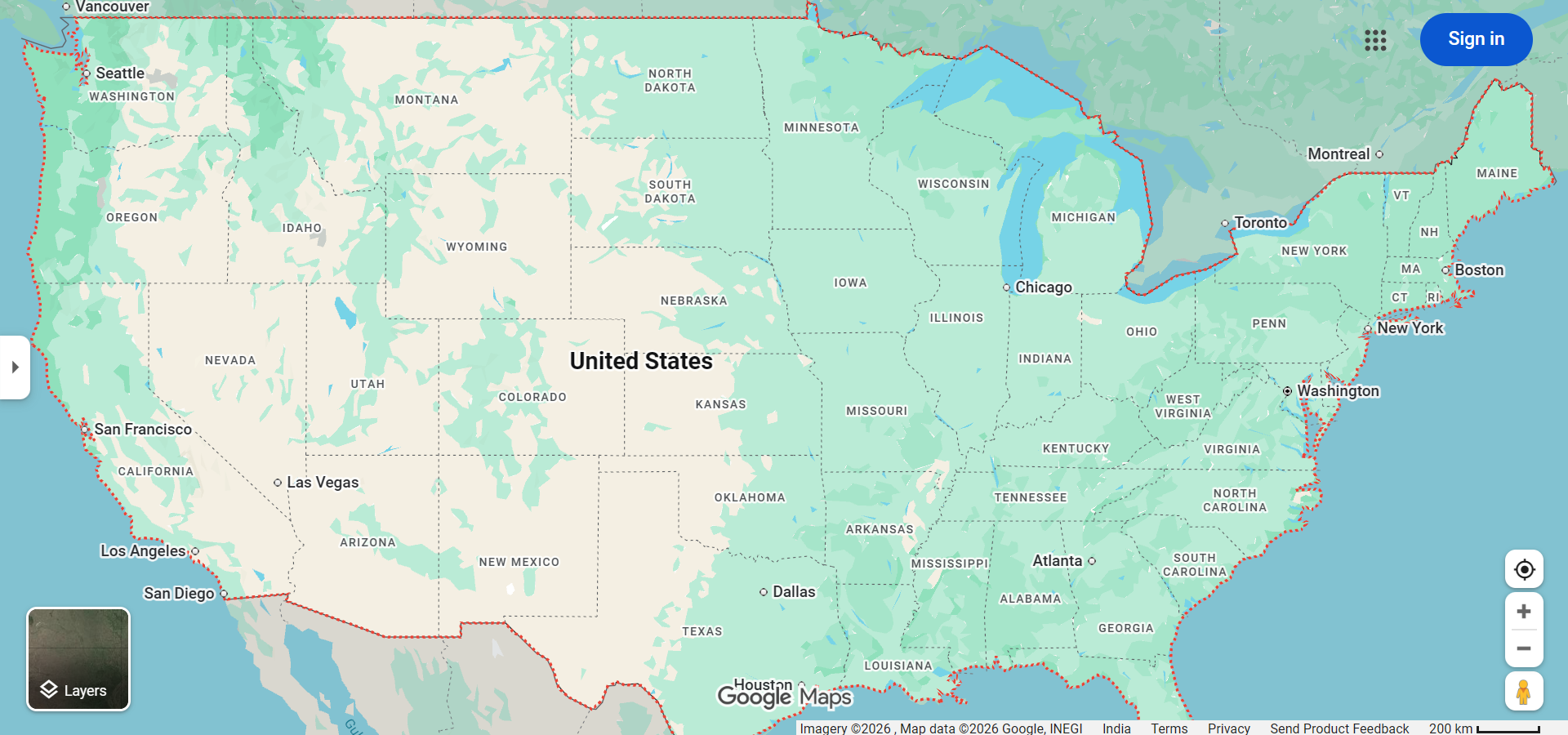
Iconic American Road Trips
The USA is the birthplace of road trip culture, and Google Maps is the perfect companion for these legendary drives:
- Route 66 (Chicago to Santa Monica) — The 2,400-mile "Mother Road" passing through 8 states, offering classic Americana, roadside diners, and retro motels.
- Pacific Coast Highway (California) — Highway 1 along the California coast from San Francisco to Los Angeles, with stunning ocean cliffs, Big Sur, and Monterey.
- Blue Ridge Parkway (Virginia to North Carolina) — 469 miles of scenic mountain driving through the Appalachian Mountains with spectacular fall foliage.
- Overseas Highway (Florida Keys) — The 113-mile US-1 extension connecting Miami to Key West across 42 bridges over the Atlantic Ocean and Gulf of Mexico.
- Going-to-the-Sun Road (Montana) — A 50-mile mountain road through Glacier National Park crossing the Continental Divide at Logan Pass.
- Great River Road (Mississippi River) — Following the Mississippi River from Minnesota to the Gulf of Mexico through 10 states along 3,000 miles of scenic riverfront driving.
US-Specific Google Maps Features
- Real-Time Traffic — With the largest user base of any navigation app in the US, Google Maps provides exceptionally accurate traffic data across American roads.
- Speed Trap and Incident Alerts — Community-reported speed traps, accidents, road hazards, and police presence are displayed during navigation.
- Gas Station Prices — View current fuel prices at nearby gas stations, helping you find the cheapest gas along your route.
- EV Charging Stations — With the growing American EV market, Google Maps shows charging station locations, availability, connector types, and charging speeds.
- HOV Lane Information — Google Maps identifies High Occupancy Vehicle (HOV) and carpool lanes in major metropolitan areas, helping eligible drivers save time.
- National Park Coverage — Detailed mapping of US National Parks including roads, trailheads, visitor centers, and camping sites.
Tips for Using Google Maps in the USA
- Download Offline Maps for Rural Areas — Cell coverage can be spotty in western states, national forests, and mountainous regions. Download offline maps before venturing into remote areas.
- Account for Time Zones — The contiguous US spans four time zones. Google Maps automatically adjusts arrival time estimates when crossing time zone boundaries.
- Watch for State-Specific Laws — Traffic laws vary by state. Some states have hands-free laws that prohibit touching your phone while driving — use Google Maps voice navigation to comply.
- Plan for Gas Stops — In western states, gas stations can be hundreds of miles apart. Use Google Maps to identify fuel stops along your route before heading into remote areas.
- Use "Depart At" for Commute Planning — Set specific departure times to get accurate travel time estimates based on historical traffic patterns for your regular commute.
Frequently Asked Questions
- Is Google Maps the most used navigation app in the USA? — Yes, Google Maps is the most popular navigation app in the United States with over 150 million monthly users, far exceeding competitors like Apple Maps and Waze.
- Does Google Maps show all US toll roads? — Yes, Google Maps identifies toll roads across the US and can provide alternative toll-free routes when the "Avoid tolls" option is enabled.
- Can Google Maps navigate through US National Parks? — Yes, Google Maps provides detailed mapping of most National Parks including park roads, but trail-level navigation may be limited.
- Does Google Maps work in Alaska and Hawaii? — Yes, Google Maps provides coverage for all 50 states including Alaska and Hawaii with detailed road data and navigation capabilities.