Google Maps Walking Directions
Google Maps walking directions provide pedestrians with detailed, step-by-step navigation that makes getting around on foot easier than ever. Whether you are exploring a new city as a tourist, walking to a nearby restaurant, or finding the best pedestrian route to work, Google Maps Walking Directions calculates the most efficient walking paths using sidewalks, crosswalks, pedestrian bridges, and footpaths. With accurate distance measurements and estimated walking times, Google Maps ensures you always know how long it will take to reach your destination on foot.
Walking directions differ significantly from driving directions as they prioritize pedestrian-friendly paths, shortcuts through parks, stairways, and pathways that vehicles cannot access, often resulting in shorter and more enjoyable routes.
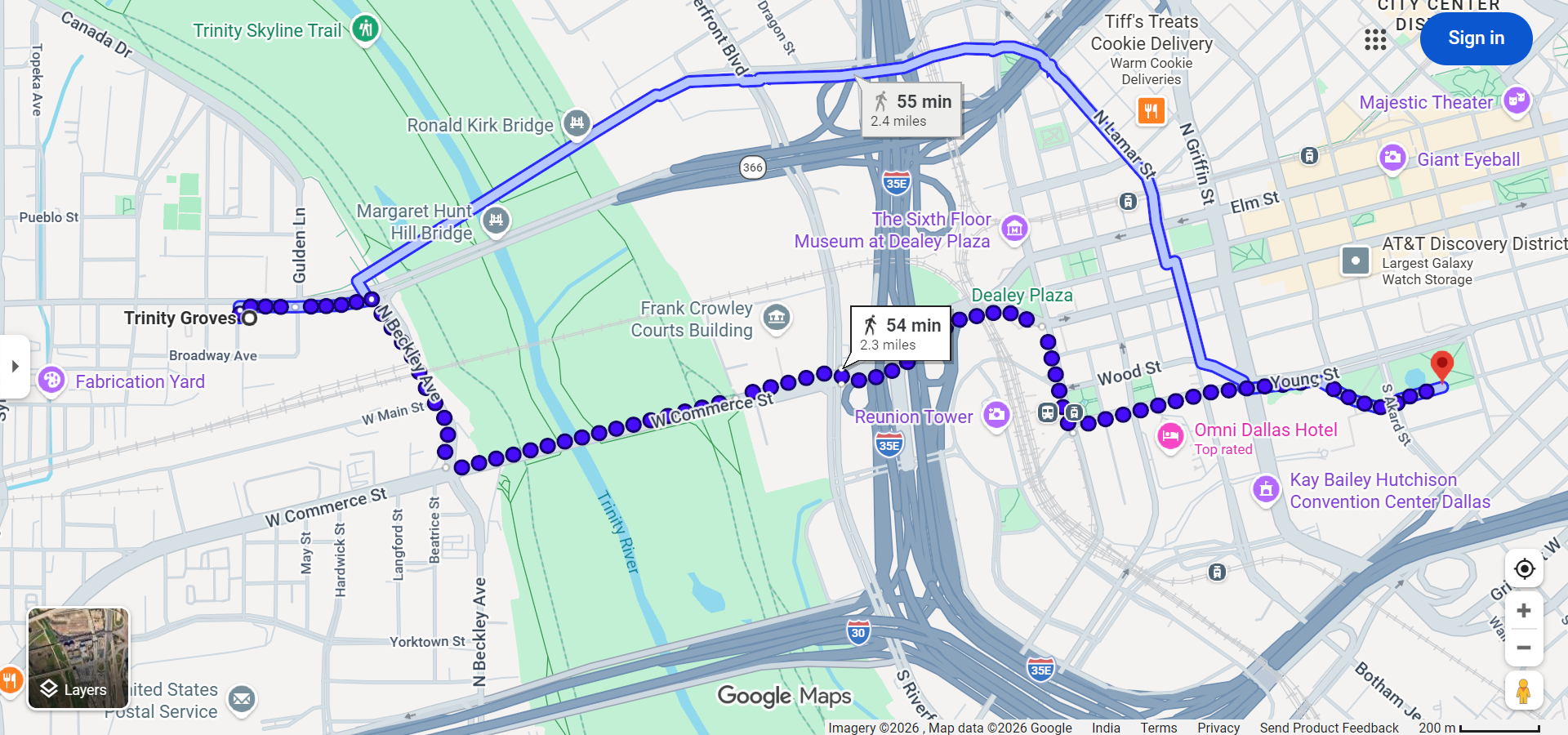
How to Get Walking Directions on Google Maps
On Desktop
- Open Google Maps at maps.google.com and click the Directions button.
- Enter your starting point and destination.
- Click the walking icon (person figure) at the top of the directions panel to switch from driving to walking mode.
- Review the walking route — Google Maps will display the route with estimated walking time and total distance.
- Follow step-by-step instructions that guide you through streets, crosswalks, and pedestrian paths.
On Mobile
- Open the Google Maps app and search for your destination.
- Tap "Directions" and select the walking icon at the top of the screen.
- Tap "Start" to begin real-time walking navigation with voice-guided instructions.
- Follow the blue dot on the map as it tracks your position in real time.
Features of Google Maps Walking Directions
- Pedestrian-Optimized Routes — Walking directions use sidewalks, crosswalks, pedestrian zones, park paths, and shortcuts that are not available for vehicle navigation.
- Accurate Walking Time Estimates — Google Maps estimates walking time based on an average walking speed of approximately 3 miles per hour (5 km/h), which can be adjusted based on terrain and conditions.
- Step-by-Step Navigation — Clear turn-by-turn instructions tell you when to turn, which street to follow, and alert you when you are approaching your destination.
- Live Location Tracking — On mobile devices, GPS continuously tracks your position and updates the route in real time, helping you stay on course.
- Street View Preview — Before starting your walk, you can use Street View to see what the path looks like and identify landmarks along the way.
- Elevation Information — In some areas, Google Maps shows elevation changes along walking routes, helping you know if the path is flat, uphill, or downhill.
- Accessible Routes — Google Maps increasingly includes information about wheelchair-accessible routes, helping people with mobility considerations find suitable pedestrian paths.
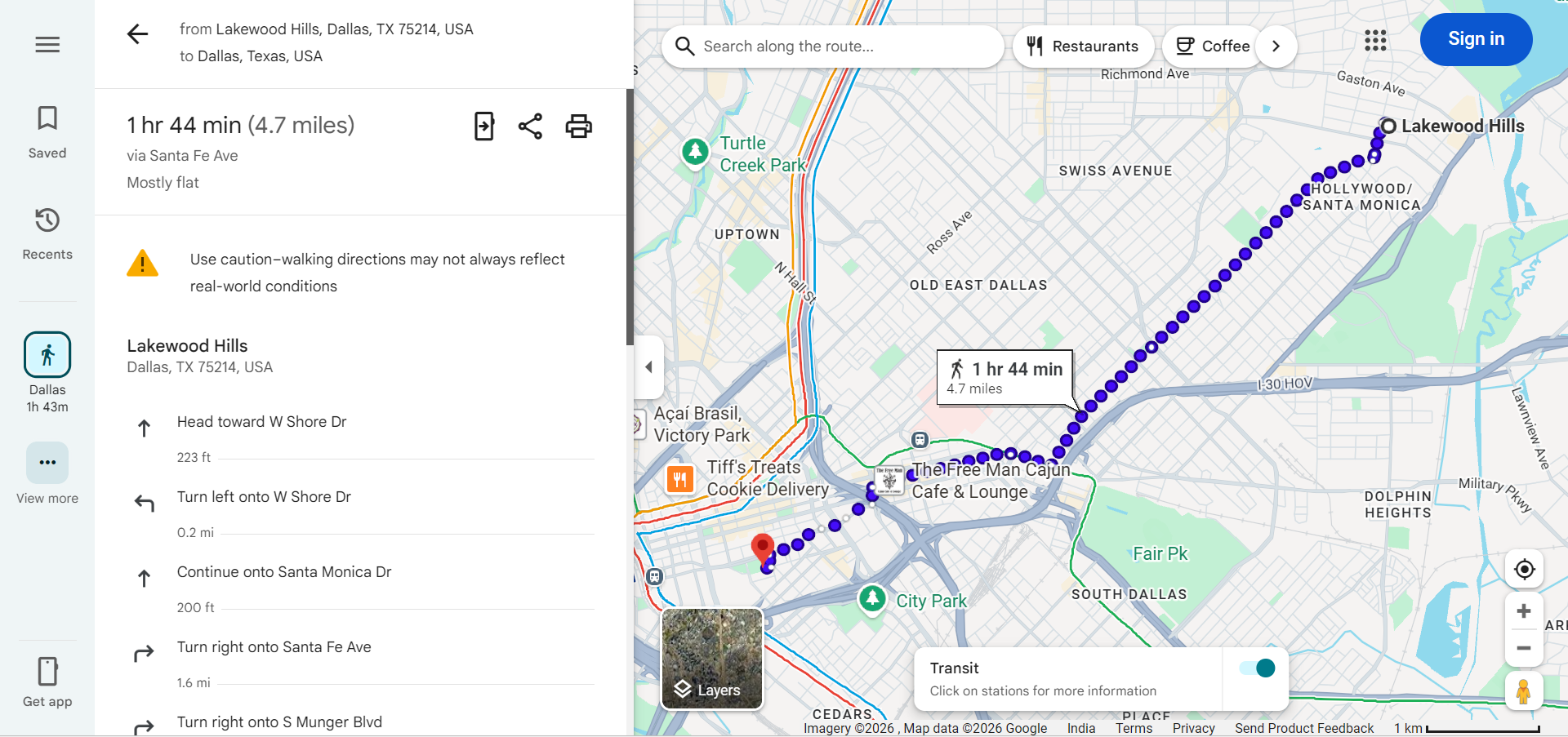
Walking Directions vs. Driving Directions
Walking directions on Google Maps differ from driving directions in several important ways:
- Shorter Distances — Walking routes often use shortcuts through parks, plazas, pedestrian bridges, and pathways that cars cannot access, resulting in shorter total distances.
- Different Roads — Walking directions avoid highways, tunnels, and roads without sidewalks while including pedestrian-only zones and trails.
- Stairways and Bridges — Walking routes may include stairs, escalators, and pedestrian overpasses or underpasses that driving directions would never suggest.
- One-Way Streets Irrelevant — Pedestrians can walk in either direction on any street, so walking directions do not need to account for one-way traffic restrictions.
- Speed Calculation — Walking time is calculated at a much slower speed (approximately 3 mph) compared to driving, making the time estimates fundamentally different.
Tips for Using Walking Directions Effectively
- Check the Route Before Starting — Preview your walking route on the map to ensure it goes through safe, well-lit areas, especially if walking at night.
- Use Live View (AR Navigation) — On supported mobile devices, Google Maps offers Live View, which overlays walking directions on your camera view using augmented reality for easier navigation in complex urban areas.
- Save Offline Maps — Download the area map for offline use in case you lose cellular signal during your walk, especially in parks or underground passages.
- Share Your Location — Use Google Maps' location sharing feature so friends or family can track your walking progress for safety.
- Consider Time of Day — Walking the same route can feel very different during day versus night. Plan accordingly and choose well-populated, lit routes for nighttime walking.
- Wear Comfortable Shoes — Check the walking distance estimate before starting — a "short walk" on the map might be 30 minutes or more depending on the distance.
Walking Directions for Tourism
Google Maps walking directions are particularly valuable for tourists exploring cities on foot:
- City Exploration — Walk between nearby attractions, restaurants, and landmarks without needing taxis or public transit.
- Walking Tours — Create self-guided walking tours by adding multiple stops as waypoints on Google Maps.
- Neighborhood Discovery — Walking directions help you explore neighborhoods and side streets you might miss while driving.
- Transit Connections — Get walking directions to the nearest bus stop, train station, or subway entrance when combining walking with public transit.
Frequently Asked Questions
- How fast does Google Maps calculate walking speed? — Google Maps uses an average walking speed of approximately 3 miles per hour (5 km/h) for its walking time estimates.
- Can Google Maps show wheelchair-accessible walking routes? — Yes, Google Maps is expanding its wheelchair-accessible route information in many cities, showing paths that avoid stairs and steep inclines.
- Does walking navigation work offline? — Basic walking directions work with downloaded offline maps, but real-time GPS tracking requires an active data connection for the most accurate experience.
- What is Live View in Google Maps? — Live View is an augmented reality (AR) feature that overlays walking directions on your phone's camera view, showing arrows and directions in the real world through your screen.