Google Maps Street View
Google Maps Street View is a revolutionary feature that allows users to explore streets, neighborhoods, and landmarks from a ground-level perspective through interactive 360-degree panoramic imagery. Since its launch, Google Maps Street View has transformed the way people discover places, plan trips, and virtually visit locations around the world without ever leaving their homes. With coverage spanning millions of miles of roads across more than 100 countries, Street View has become one of the most iconic features of Google Maps.
Whether you want to preview a vacation destination, check out a neighborhood before moving, scout a business location, or simply explore the world from your couch, Google Maps Street View provides an immersive visual experience that no other mapping tool can match.
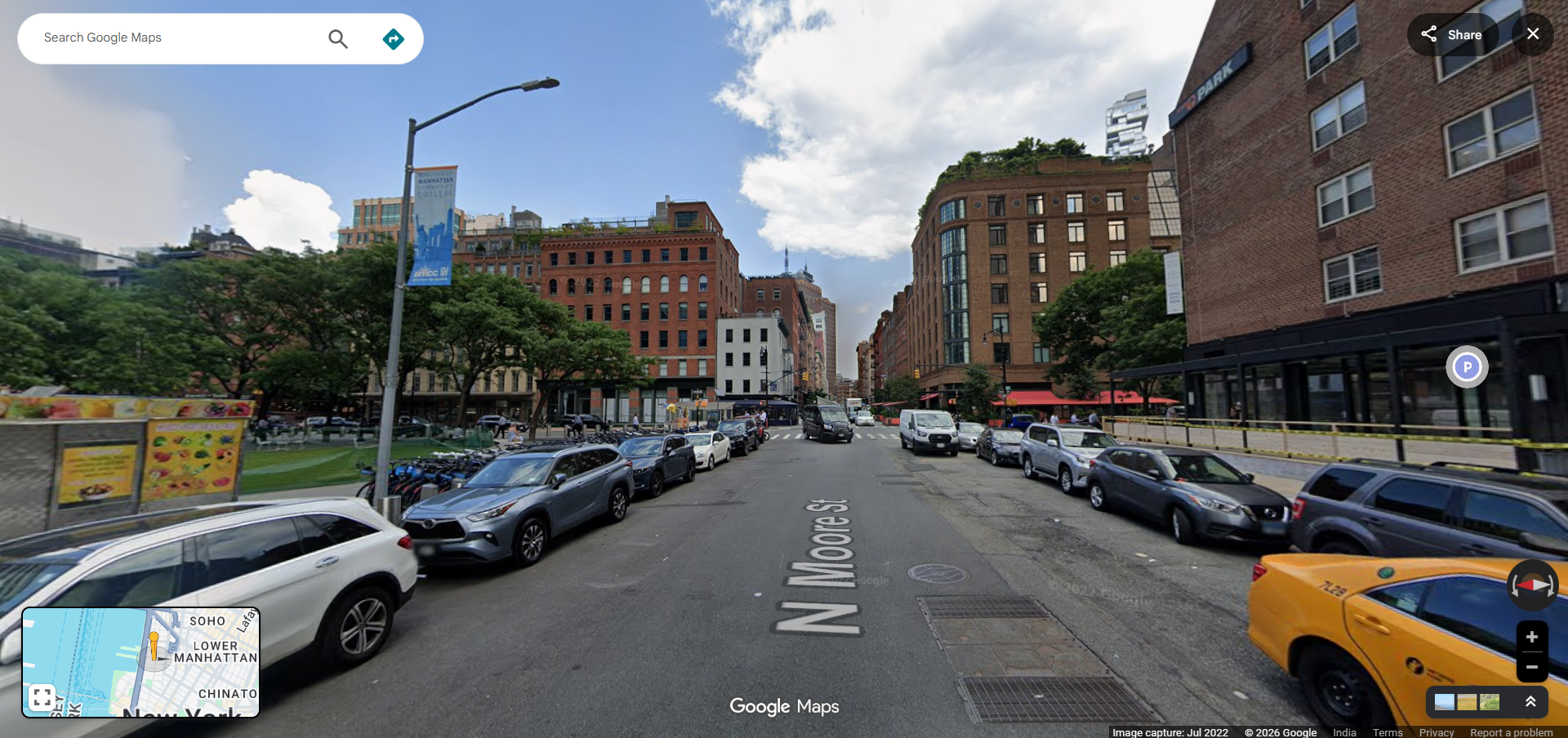
How to Use Google Maps Street View
Accessing Google Maps Street View is easy and available on both desktop and mobile platforms. Here are the different ways to explore Street View:
On Desktop
- Open Google Maps in your web browser at maps.google.com.
- Search for a location or navigate to an area you want to explore.
- Drag the Pegman (the small yellow figure at the bottom right of the screen) and drop it onto any blue-highlighted street to enter Street View mode.
- Navigate by clicking on the road ahead, using arrow keys, or dragging the panorama to look around in 360 degrees.
- Exit Street View by clicking the back arrow or pressing Escape.
On Mobile
- Open the Google Maps app on your Android or iOS device.
- Search for a location or tap and hold on a point on the map to drop a pin.
- Tap the Street View thumbnail that appears at the bottom left corner of the screen.
- Swipe to look around and tap arrows on the road to move forward or backward.
Key Features of Google Maps Street View
Google Maps Street View is packed with features that make virtual exploration both practical and enjoyable:
- 360-Degree Panoramic Imagery — View locations from every angle with seamless panoramic photos captured by Google's fleet of Street View cameras mounted on cars, bikes, boats, and even backpack-mounted trekkers.
- Time Travel Feature — Browse historical Street View imagery to see how locations have changed over the years. Simply click the clock icon in Street View to access past captures of the same location.
- Indoor Street View — Explore the interiors of businesses, museums, restaurants, hotels, and public spaces with indoor panoramic imagery contributed by business owners and Google partners.
- Coverage Layers — The blue lines on Google Maps indicate streets and paths where Street View imagery is available, making it easy to identify coverage areas.
- User-Contributed Photos — In addition to official Google imagery, users can upload their own 360-degree photos to contribute to the Street View experience through Google Maps or the Street View app.
- Integration with Directions — Before starting a journey, you can use Street View to preview your route, check what intersections look like, and identify landmarks near your destination.
Practical Uses of Google Maps Street View
Beyond casual exploration, Street View serves many practical purposes:
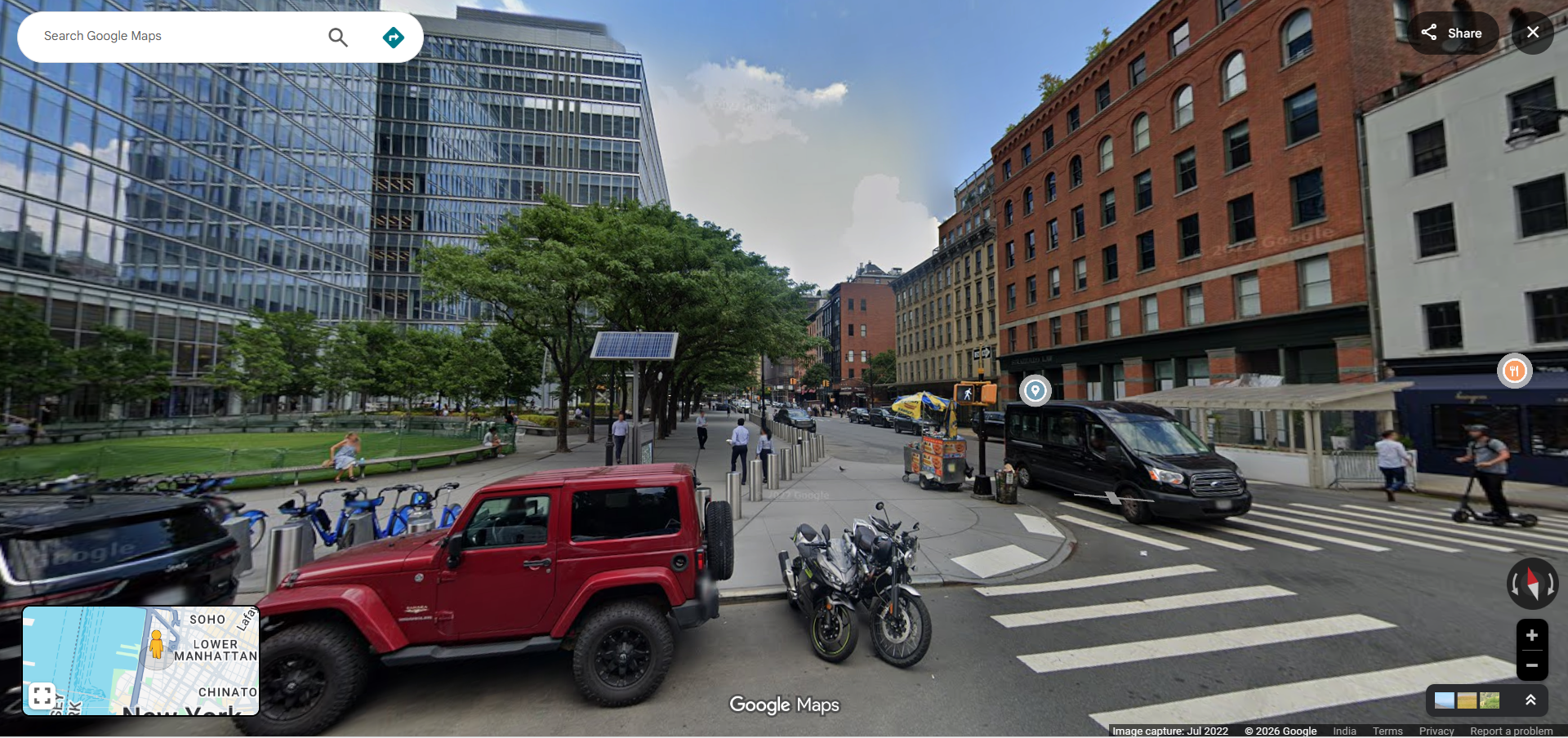
- Real Estate Research — Prospective buyers and renters can virtually walk through neighborhoods, check nearby amenities, assess parking availability, and get a feel for an area before visiting in person.
- Travel Planning — Preview hotels, restaurants, tourist attractions, and walking paths at your destination to plan your itinerary more effectively.
- Navigation Preparation — Familiarize yourself with complex intersections, highway exits, and parking entrances before driving to an unfamiliar location.
- Business Verification — Verify the existence and appearance of a business location before visiting. Check storefront signage, accessibility, and surrounding area conditions.
- Education and Research — Teachers and students use Street View to explore geographic features, historical sites, and cultural landmarks as part of virtual field trips and educational projects.
- Journalism and Documentation — Journalists and researchers use Street View to document locations, verify reports, and provide visual context for stories.
How Google Captures Street View Imagery
Google captures Street View imagery using a variety of specialized equipment designed to reach different types of terrain:
- Street View Cars — The most recognizable method, these cars carry roof-mounted camera arrays that capture 360-degree imagery as they drive along roads and streets.
- Street View Trekkers — Backpack-mounted camera systems used by hikers to capture imagery in remote areas, trails, and locations where vehicles cannot go.
- Street View Bikes — Tricycles equipped with cameras that capture imagery in narrow streets, bike paths, and pedestrian areas.
- Street View Boats — Cameras mounted on boats to capture imagery along rivers, canals, and coastlines.
- Street View Trolleys — Indoor trolley systems used to capture 360-degree imagery inside museums, arenas, and large buildings.
Privacy and Google Maps Street View
Google takes privacy seriously when it comes to Street View imagery. The company automatically blurs faces of people and license plates of vehicles captured in Street View photos using advanced machine learning algorithms. If you find an image that you believe should be blurred or removed, you can report it directly through Google Maps by clicking "Report a problem" at the bottom of the Street View window.
Frequently Asked Questions
- Is Google Maps Street View free? — Yes, Google Maps Street View is completely free to use on both desktop and mobile devices.
- How often is Street View imagery updated? — Google continuously updates Street View imagery, but the frequency varies by location. Major cities are typically updated every one to three years, while rural areas may be updated less frequently.
- Can I contribute my own Street View photos? — Yes, you can upload your own 360-degree photos to Google Maps using the Street View app or a compatible 360-degree camera.
- Does Street View work offline? — No, Street View requires an active internet connection to load panoramic imagery.