Google Maps Driving Directions Edmonton
Google Maps driving directions Edmonton is the go-to navigation solution for residents, commuters, and visitors navigating Alberta's capital city. Edmonton's sprawling urban layout, highway network, and seasonal weather conditions make reliable driving directions essential for getting around efficiently. Google Maps Driving Directions Edmonton provides real-time traffic data, multiple route options, and turn-by-turn guidance that helps drivers navigate the city's roadways with confidence, whether you are heading to West Edmonton Mall, the University of Alberta, or Rogers Place downtown.
As one of Canada's fastest-growing cities, Edmonton presents unique driving challenges including complex interchanges like the Yellowhead Trail and Whitemud Drive corridors, construction detours, and winter driving conditions. Google Maps helps Edmonton drivers overcome these challenges with up-to-date navigation tailored to local road conditions.
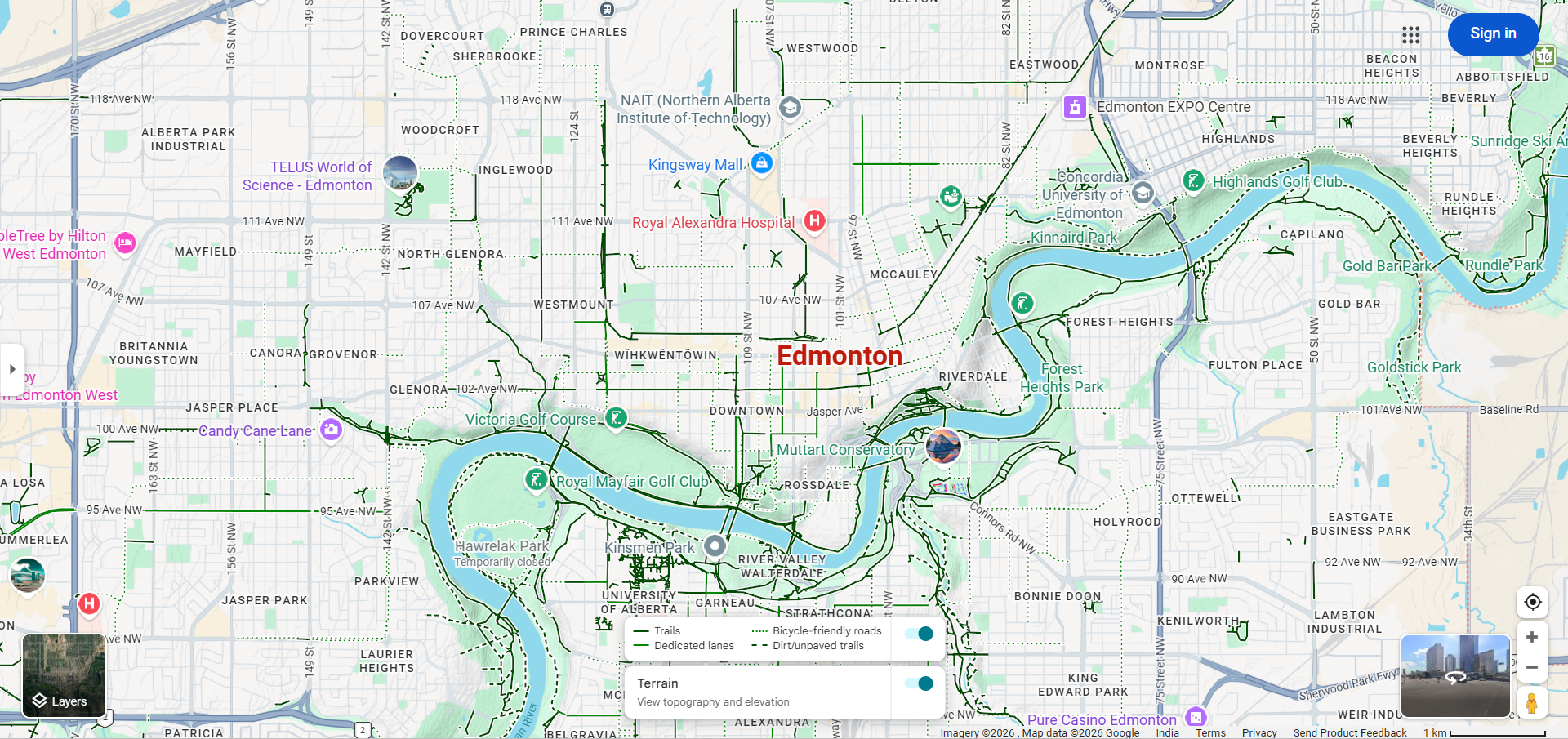
Navigating Edmonton with Google Maps
Edmonton's road network is built around a grid system in the central areas, with major freeways and ring roads connecting suburban neighborhoods. Here is how to use Google Maps effectively for driving in Edmonton:
- Open Google Maps and enter your destination in Edmonton, such as "West Edmonton Mall" or a specific street address.
- Select the driving mode (car icon) to get driving-specific directions.
- Review route options — Google Maps will typically suggest routes using major arteries like Anthony Henday Drive, Whitemud Drive, Yellowhead Trail, or Gateway Boulevard depending on your location.
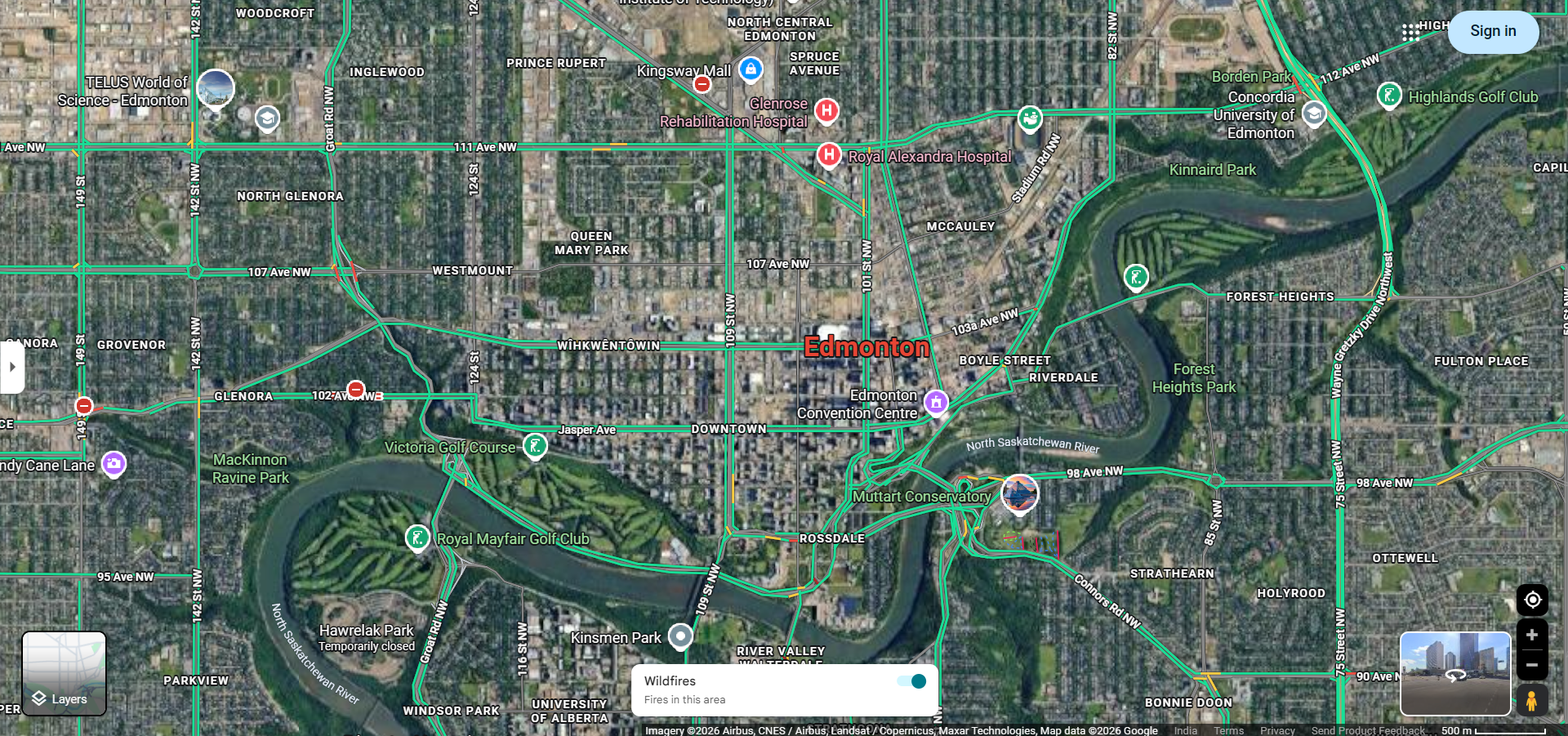
- Check real-time traffic — Edmonton's traffic patterns change significantly between peak and off-peak hours. The color-coded traffic overlay helps you identify congested areas.
- Start navigation with voice-guided turn-by-turn directions for hands-free driving.
Key Edmonton Routes and Highways
Understanding Edmonton's major routes helps you interpret Google Maps directions more effectively:
- Anthony Henday Drive (Highway 216) — Edmonton's ring road that circles the city, providing a bypass route to avoid downtown traffic. It is one of the most frequently suggested routes by Google Maps for cross-city travel.
- Whitemud Drive — A major east-west freeway running through south Edmonton, connecting neighborhoods like Windermere and Mill Woods to the University area and beyond.
- Yellowhead Trail (Highway 16) — A major east-west highway running through north Edmonton, connecting to the Yellowhead Highway for trips to Jasper and western Alberta.
- Gateway Boulevard / Calgary Trail (Highway 2) — The main north-south corridor connecting Edmonton to Red Deer and Calgary. Google Maps frequently routes drivers along this corridor for southbound trips.
- Groat Road / 109 Street — Key north-south connectors through central Edmonton providing access to the river valley and downtown core.
- Stony Plain Road / Jasper Avenue — Major east-west streets through central and west Edmonton, lined with businesses, restaurants, and cultural venues.
Edmonton Traffic Patterns and Tips
Google Maps is particularly valuable in Edmonton due to the city's distinct traffic patterns:
- Rush Hour Congestion — Edmonton's peak traffic hours are typically 7:00–9:00 AM and 3:30–6:00 PM on weekdays. Google Maps real-time traffic data helps you avoid the worst congestion spots, especially on Whitemud Drive and the Henday interchanges.
- Construction Season — Edmonton's summer construction season (May–October) brings frequent road closures and detours. Google Maps updates quickly to reflect these changes and reroutes drivers accordingly.
- Winter Driving — Edmonton winters bring snow, ice, and reduced visibility. While Google Maps doesn't show road surface conditions, its traffic data can indicate slowdowns caused by winter weather. Always allow extra travel time during winter months.
- Event Traffic — Major events at Rogers Place, Commonwealth Stadium, and the Edmonton Expo Centre cause localized traffic spikes. Google Maps will typically suggest alternative routes during these events.
- LRT Crossings — Edmonton's Light Rail Transit system has several at-grade crossings that can cause brief traffic delays. Google Maps factors these into travel time estimates.
Popular Destinations in Edmonton
Here are some of Edmonton's most frequently searched destinations on Google Maps:
- West Edmonton Mall — One of the largest shopping malls in North America, located in west Edmonton along 170th Street and 87th Avenue.
- Edmonton International Airport (YEG) — Located south of the city along Highway 2, approximately 30 minutes from downtown Edmonton.
- Rogers Place — Home of the Edmonton Oilers NHL team, located in the downtown ICE District.
- University of Alberta — Located along the south bank of the North Saskatchewan River, accessible via Whitemud Drive and 114th Street.
- River Valley Parks — Edmonton's river valley is the largest stretch of connected urban parkland in North America, with multiple access points along the river.
- Jasper Avenue / Whyte Avenue — Edmonton's main entertainment and dining districts, located downtown and in the Old Strathcona neighborhood respectively.
Driving from Edmonton to Nearby Cities
Google Maps is frequently used for inter-city drives from Edmonton:
- Edmonton to Calgary — Approximately 300 km (3 hours) via Highway 2 south.
- Edmonton to Jasper — Approximately 370 km (3.5 hours) via Highway 16 west through the stunning Rocky Mountain foothills.
- Edmonton to Banff — Approximately 385 km (4 hours) via Highway 2 south and the Trans-Canada Highway west.
- Edmonton to Red Deer — Approximately 150 km (1.5 hours) via Highway 2 south.
- Edmonton to Fort McMurray — Approximately 435 km (4.5 hours) via Highway 63 north.
Frequently Asked Questions
- Does Google Maps work well in Edmonton? — Yes, Google Maps provides excellent coverage for Edmonton with accurate road data, real-time traffic, and up-to-date business listings.
- How do I avoid toll roads in Edmonton? — Edmonton does not have toll roads, so this is not a concern for local driving directions.
- Does Google Maps account for Edmonton's construction zones? — Yes, Google Maps updates its routing based on reported construction zones and road closures, though users should also watch for posted detour signs.
- Can I use Google Maps for transit directions in Edmonton? — Yes, Google Maps integrates with Edmonton Transit Service (ETS) to provide bus and LRT directions throughout the city.