Google Maps Canada
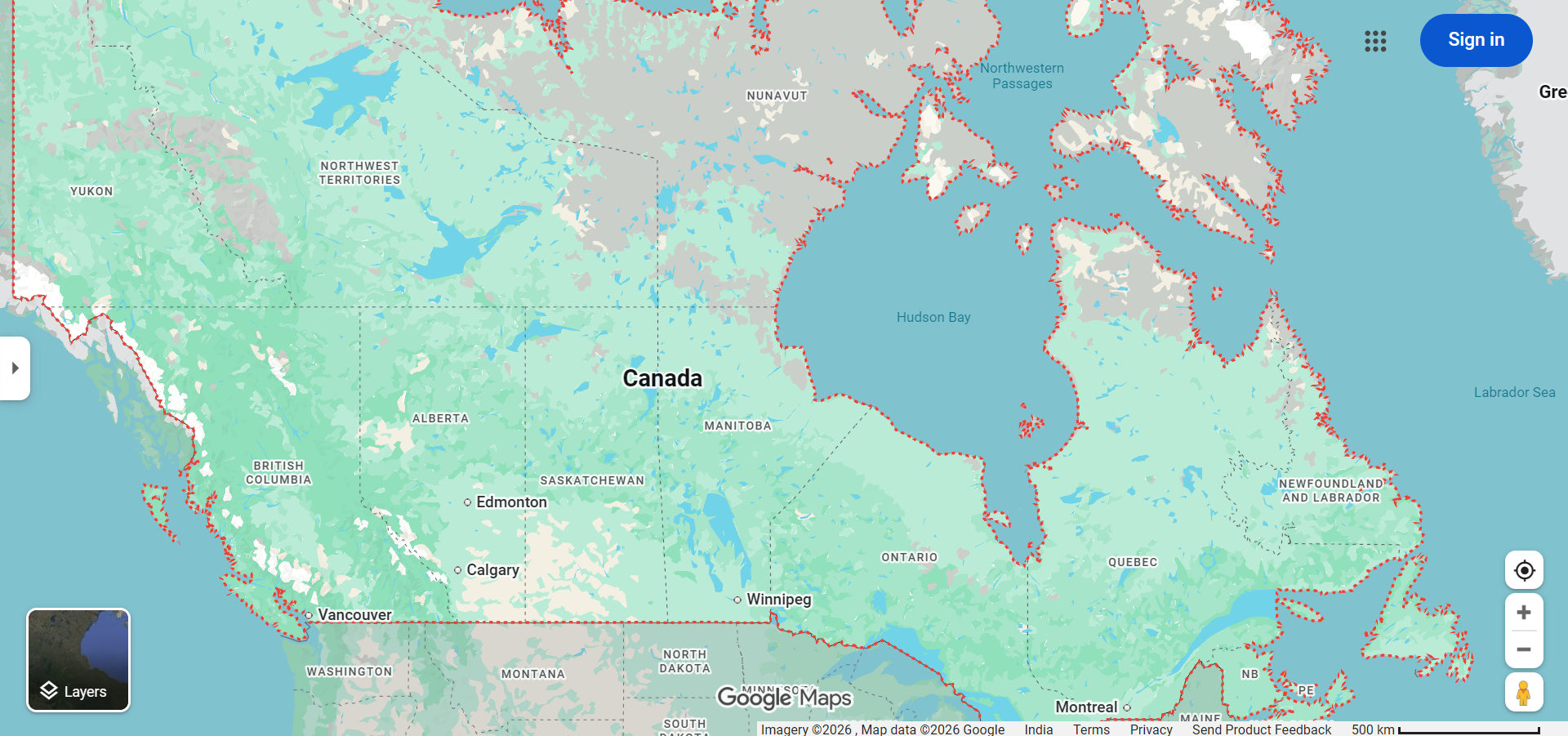
Google Maps Canada is the most trusted navigation tool for driving across the world's second-largest country. From the bustling streets of Toronto and Vancouver to the vast stretches of the Trans-Canada Highway, Google Maps Canada provides comprehensive driving directions, real-time traffic updates, and detailed mapping coverage that helps Canadians and visitors navigate this enormous nation with confidence. With coverage spanning all 10 provinces and 3 territories, Google Maps is an essential companion for everything from daily commutes in Montreal to epic road trips through the Canadian Rockies.
Canada's unique geographic challenges — including extreme distances between cities, seasonal road conditions, and remote northern highways — make reliable navigation especially important. Google Maps addresses these challenges with accurate routing, offline map downloads, and traffic intelligence tailored to Canadian roads.
Navigating Canadian Cities with Google Maps
Each of Canada's major cities has unique driving characteristics that Google Maps helps navigate:
- Toronto — Canada's largest city features the busy 401 highway (one of the busiest in the world), the Gardiner Expressway, and the Don Valley Parkway. Google Maps real-time traffic data is essential for avoiding Toronto's notorious congestion.
- Vancouver — Bridge traffic over the Lions Gate, Ironworkers Memorial, and Alex Fraser bridges can create significant delays. Google Maps helps Vancouver drivers choose the best crossing based on current conditions.
- Montreal — Known for extensive road construction and detours, Montreal driving benefits greatly from Google Maps' ability to reroute around closures. The city's mix of French and English street names adds complexity that Google Maps handles seamlessly.
- Calgary — The Deerfoot Trail and Crowchild Trail are major arteries that Google Maps monitors for traffic flow, helping Calgary commuters optimize their daily routes.
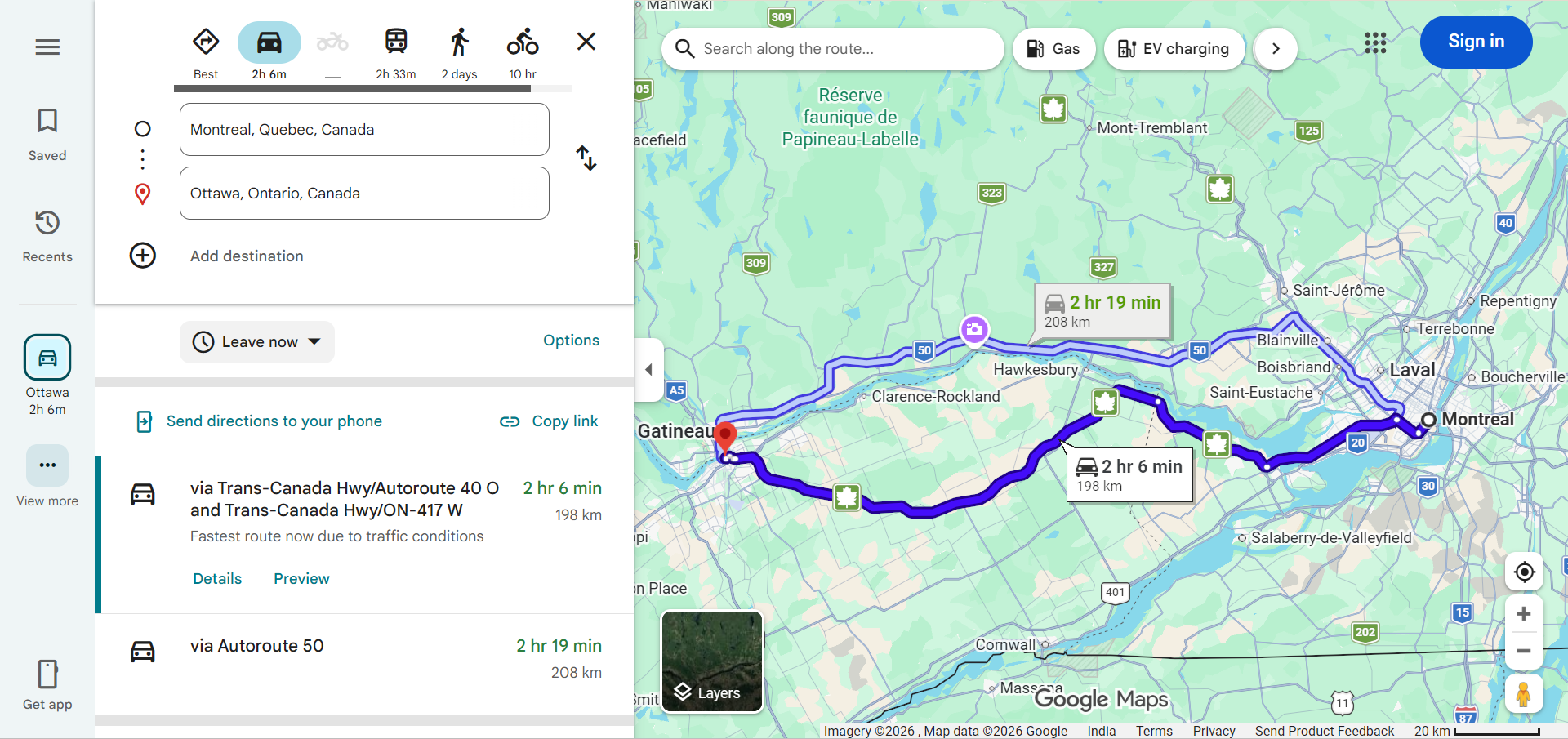
- Ottawa — As the national capital straddling Ontario and Quebec, Ottawa drivers frequently cross provincial boundaries. Google Maps provides seamless navigation across the Ottawa-Gatineau region.
- Edmonton — Anthony Henday Drive, Whitemud Drive, and the Yellowhead Trail form the backbone of Edmonton's highway network, all well-covered by Google Maps traffic data.
Major Canadian Highways
Understanding Canada's highway network helps you make better use of Google Maps driving directions:
- Trans-Canada Highway (Highway 1) — The longest national highway in the world at 7,821 km, stretching from Victoria, British Columbia to St. John's, Newfoundland. Google Maps provides complete routing for this iconic coast-to-coast journey.
- Highway 401 (Ontario) — One of the busiest and widest highways in the world, connecting Windsor to the Quebec border through Toronto. Google Maps traffic data is critical for 401 drivers.
- Highway 2 (Alberta) — The main corridor connecting Calgary and Edmonton, known as the QEII Highway and one of Alberta's most traveled routes.
- Highway 1 (British Columbia) — Traverses stunning mountain terrain through the Rockies and Fraser Canyon, with Google Maps alerting drivers to mountain pass conditions.
- Highway 17 (Northern Ontario) — The long and often lonely stretch connecting Sudbury to Sault Ste. Marie through the Canadian Shield, where offline maps are recommended.
- Autoroute 20/40 (Quebec) — The main corridors connecting Montreal and Quebec City along the St. Lawrence River.
Canadian-Specific Google Maps Features
- Bilingual Support — Google Maps supports both English and French, reflecting Canada's official bilingualism. Place names and directions are available in both languages.
- Metric System — Google Maps defaults to kilometers and km/h for Canadian users, matching Canadian road signs and speed limits.
- Border Crossing Information — Google Maps shows Canada-US border crossing points, helping drivers choose the least congested crossing when traveling internationally.
- Public Transit — Integration with transit systems in Toronto (TTC), Vancouver (TransLink), Montreal (STM), Ottawa (OC Transpo), Calgary (Calgary Transit), and other Canadian cities.
- Seasonal Considerations — While Google Maps doesn't show road surface conditions directly, its traffic data reflects slowdowns caused by winter weather, and it routes around reported road closures.
Epic Canadian Road Trips
Canada offers some of the world's most spectacular road trips, all navigable with Google Maps:
- Icefields Parkway (Alberta) — The stunning 232 km drive between Lake Louise and Jasper through the Canadian Rockies, passing glaciers, turquoise lakes, and mountain peaks.
- Sea-to-Sky Highway (British Columbia) — A dramatic 120 km coastal highway from Vancouver to Whistler along Howe Sound.
- Cabot Trail (Nova Scotia) — A 298 km loop through Cape Breton Highlands National Park offering spectacular Atlantic Ocean and mountain views.
- Trans-Canada (Complete) — The ultimate Canadian road trip spanning approximately 7,821 km from coast to coast, typically requiring 2-3 weeks to complete.
- Cowboy Trail (Alberta) — Highway 22 runs along the foothills of the Rockies for 500 km, passing through ranch country and small-town Alberta.
Tips for Using Google Maps in Canada
- Download Offline Maps — Canada has vast rural and northern areas with limited cellular coverage. Download offline maps for your entire route before departing, especially for northern Ontario, northern British Columbia, and the territories.
- Check Winter Road Conditions — While Google Maps shows traffic slowdowns, also check provincial road condition websites for winter tire requirements, chain requirements, and road closure advisories.
- Account for Time Zones — Canada spans six time zones. Google Maps automatically adjusts estimated arrival times based on time zone changes along your route.
- Plan for Distance — Distances between Canadian cities are much greater than many visitors expect. A drive from Toronto to Vancouver is approximately 4,400 km — about the same as London to Baghdad.
Frequently Asked Questions
- Does Google Maps work throughout Canada? — Yes, Google Maps provides comprehensive coverage across all Canadian provinces and territories, though detail levels may be lower in very remote northern areas.
- Can Google Maps show Canadian speed limits? — Yes, Google Maps displays posted speed limits on many Canadian roads during navigation.
- Does Google Maps work for US-Canada border crossings? — Yes, Google Maps shows border crossing points and can route you through specific crossings. However, it does not show wait times or customs requirements.
- Can I use Google Maps in French in Canada? — Yes, Google Maps supports French language and provides directions, place names, and instructions in French when the language preference is set accordingly.